
Why a fixed scroll speed sounds like reading
A fixed speed forces one average pace on the whole script. The moment you slow down to land a point, you fall behind and rush to catch up, and your attention moves from what you are saying to where the text is. That is what makes delivery sound read.
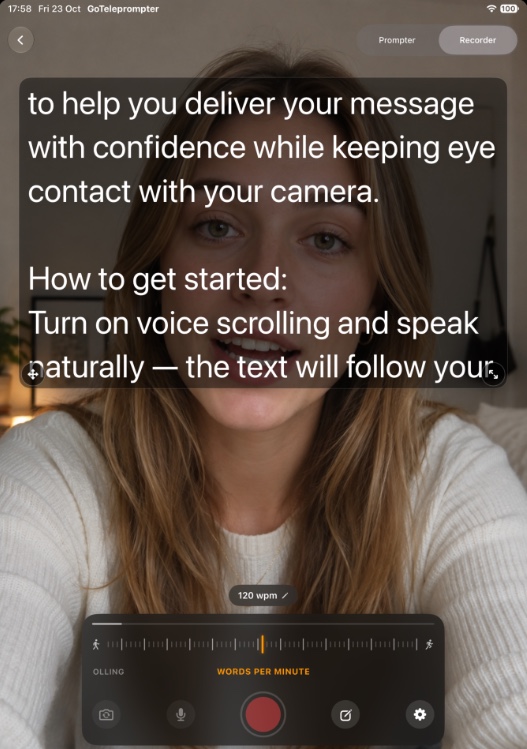
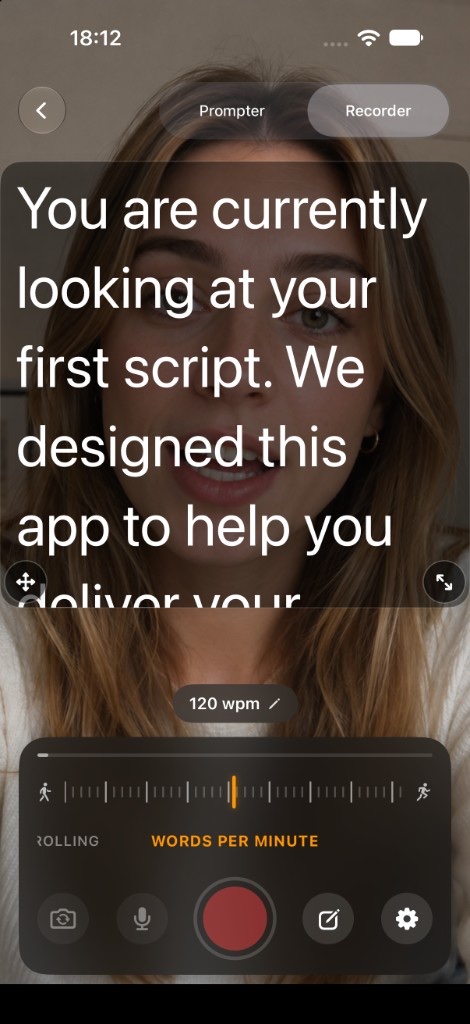
Voice Follow removes the race. The script moves when you speak and waits when you stop, so your pacing can sound like a conversation.
Free to start, Voice Follow included.
One subscription unlocks Pro on iPhone, iPad, and Mac.
How it works
- Open a script in GoTeleprompter on iPhone, iPad, or Mac and choose Voice Follow.
- Allow microphone and speech recognition access the first time.
- Start reading. The script advances as your words match the text.
- Pause whenever you like. The script waits until you continue.
Private and on device
Voice Follow uses Apple’s on-device speech recognition. Your voice and script are processed on your device and are not sent to GoTeleprompter, which has no servers or accounts. The first time you use a language, your device downloads the model once.
Languages
Voice Follow works in the languages supported by Apple’s on-device speech recognition on your device and OS version. You can pick the language in the app’s settings.
Free in the app, not in the browser
Voice Follow is included in the free version of the app on iPhone, iPad, and Mac. The free web teleprompter uses a words-per-minute scroll speed instead and does not listen to your voice.
Requirements
- Voice Follow requires iOS 26, iPadOS 26, or macOS 26 or later.
- Microphone and speech recognition permission.
Free to start, Voice Follow included.
One subscription unlocks Pro on iPhone, iPad, and Mac.
Related
FAQ
- Is Voice Follow free?
- Yes. Voice Follow is included in the free version of GoTeleprompter on iPhone, iPad, and Mac. Pro adds unlimited scripts.
- What happens if I pause or stop to think?
- The script waits. It continues when you start reading again.
- Which languages does Voice Follow support?
- The languages supported by Apple’s on-device speech recognition on your device and OS version. Choose one in the app settings.
- Does the web teleprompter have Voice Follow?
- No. The free web teleprompter scrolls at a speed you set in words per minute. Voice Follow is in the iPhone, iPad, and Mac apps.
- Why does Voice Follow say it needs iOS 26?
- It uses Apple speech recognition that arrived in iOS 26, iPadOS 26, and macOS 26. On older versions the app still works with speed-based scrolling.